Mercado
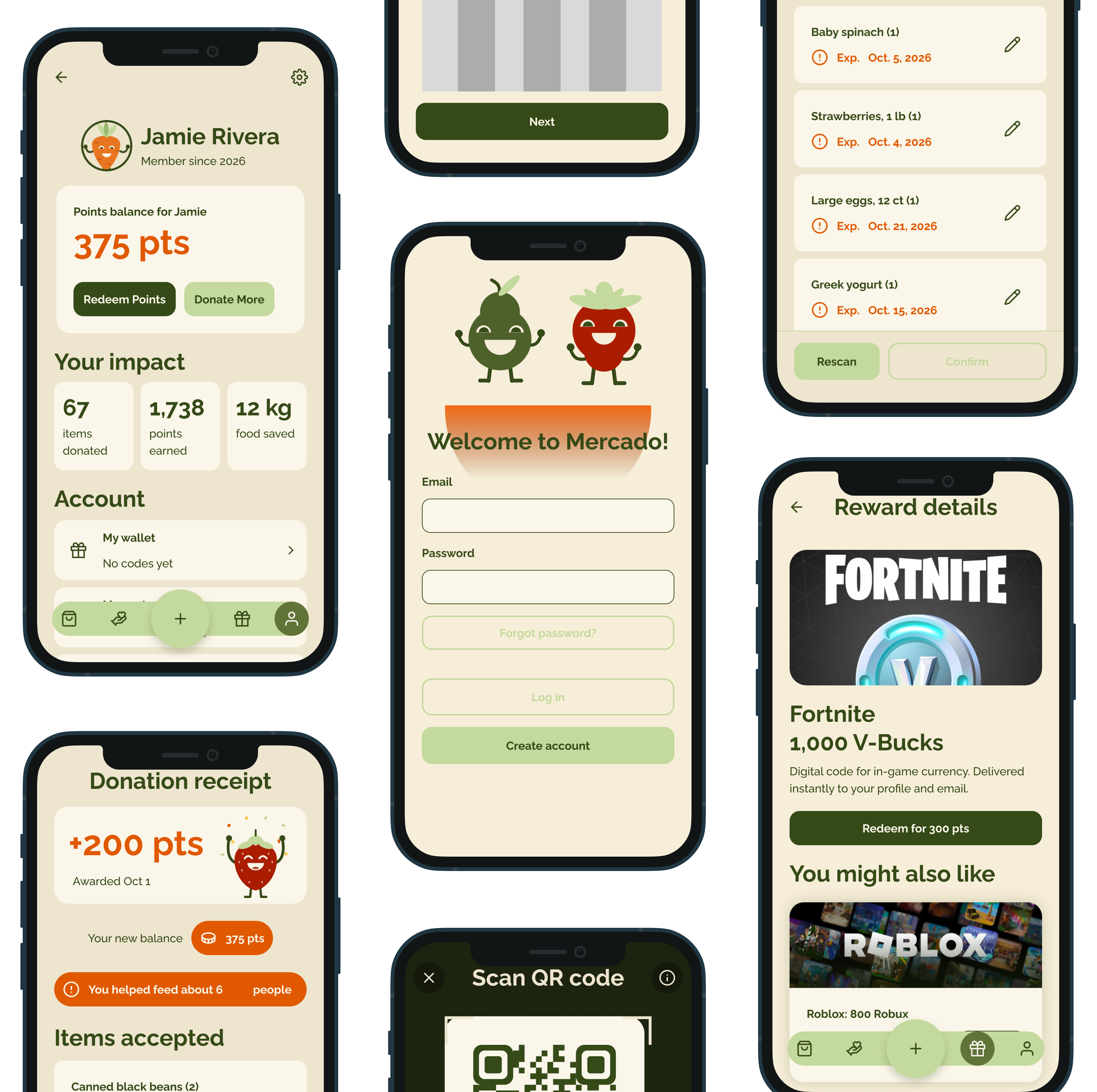
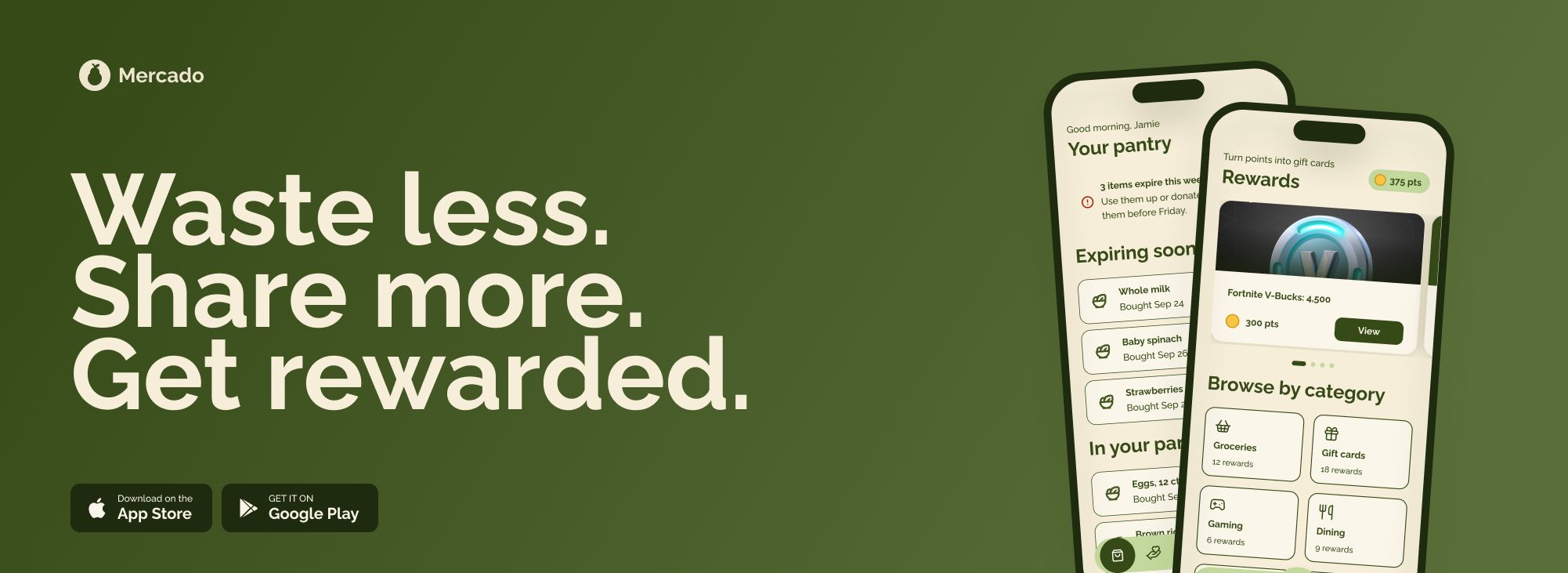
With a team we built an app designed to connect households with local food pantries, to together fight food waste while earning rewards
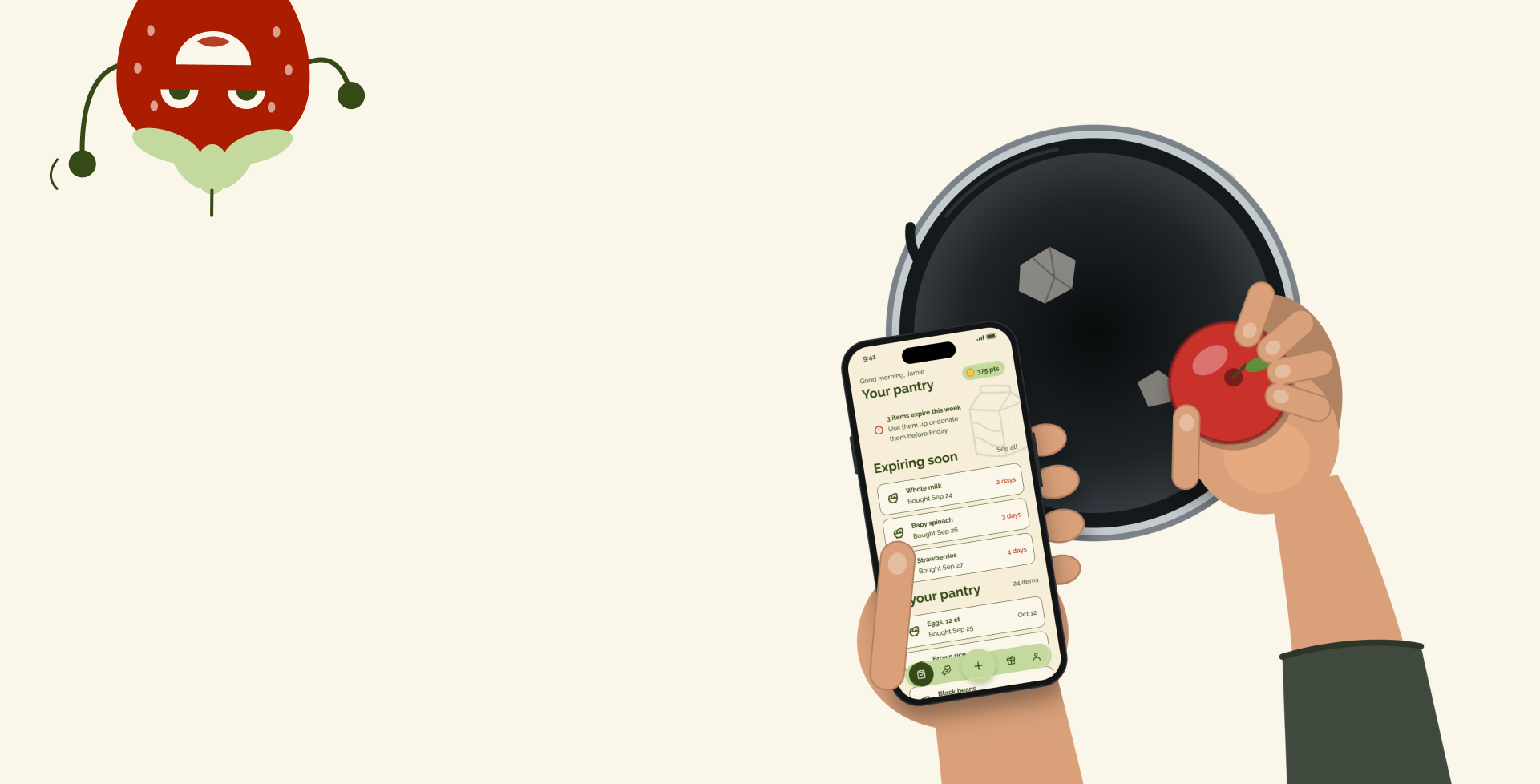
Roughly 30–40% of food is wasted
Todd ECD, Faour-Klingbeil D. Impact of Food Waste on Society
40% of that waste comes from the household
RTS.com

How others fixed the problem vs. how we solved the problem
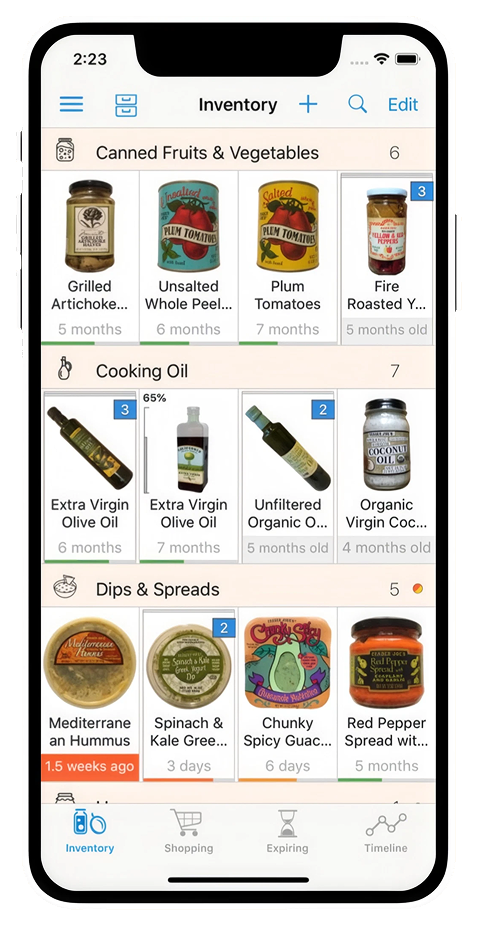
Basic food inventory system
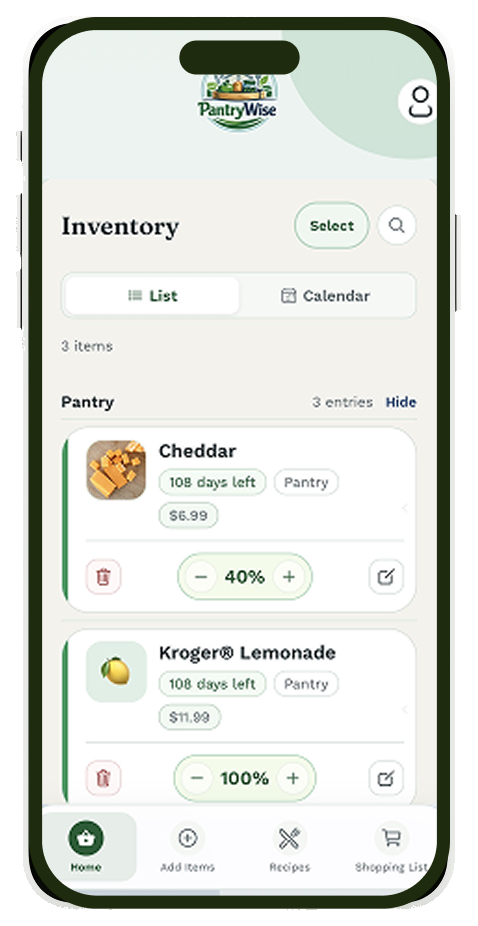
SolutionGet notified when things go bad
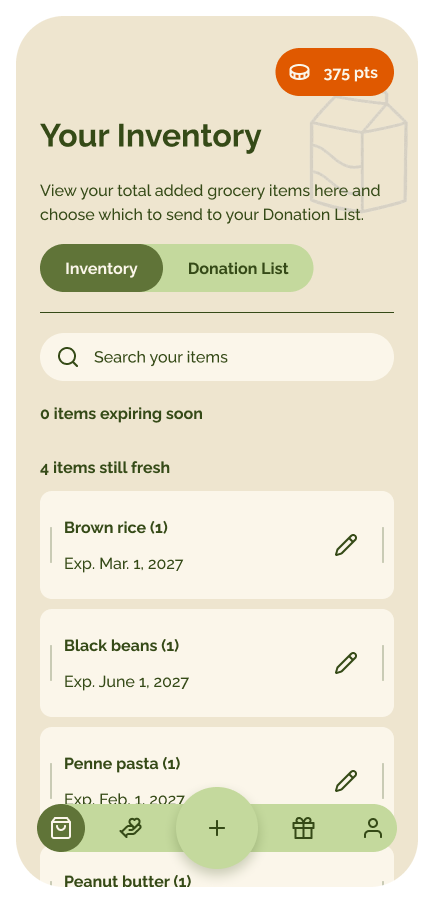
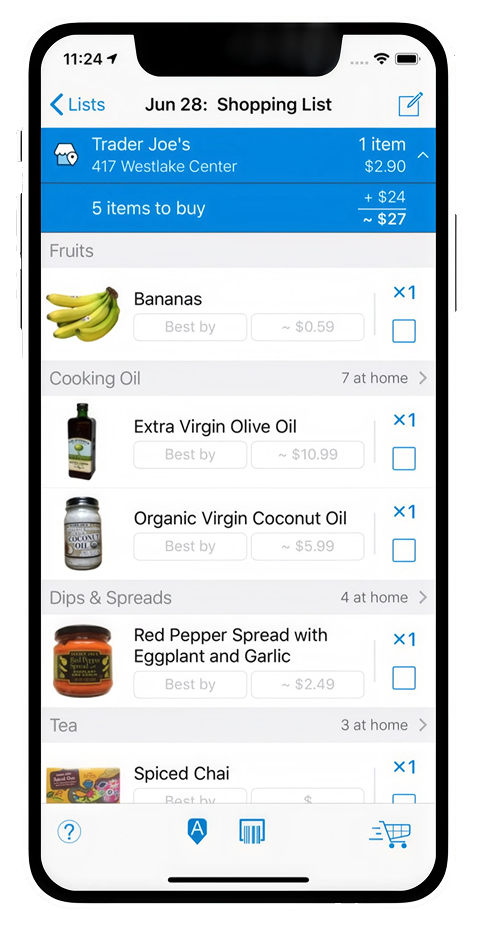
Don't want something?
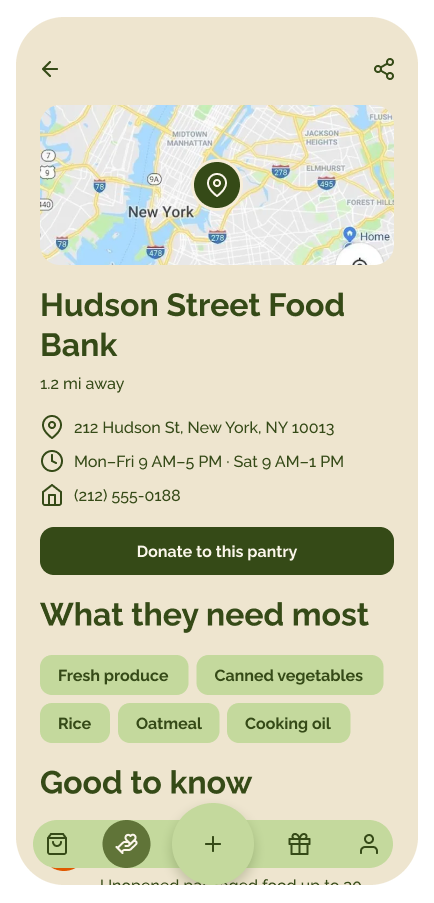
SolutionGet connected with local food pantries with ease
No incentive
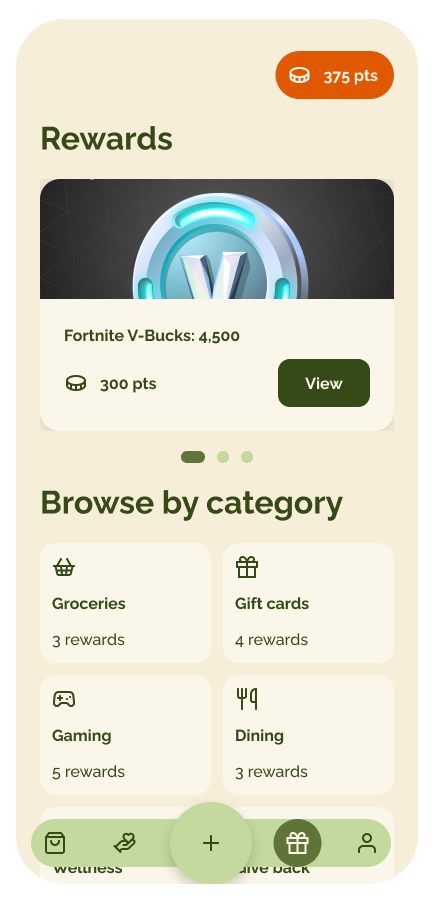
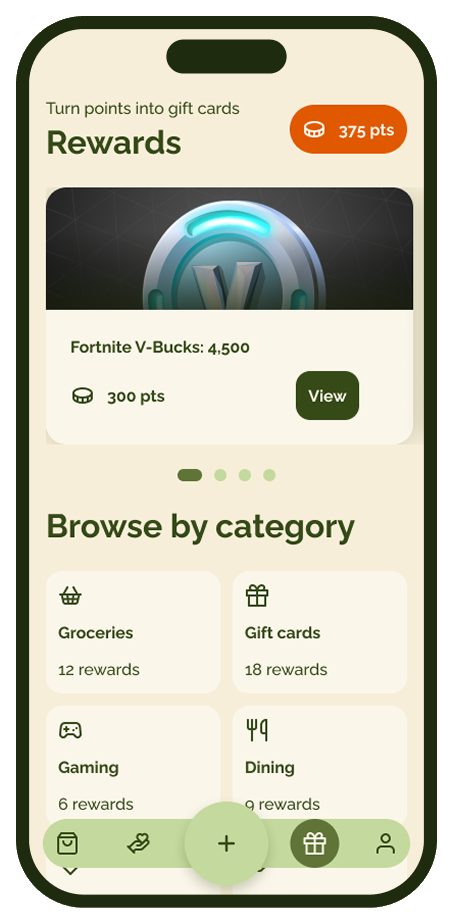
SolutionEarn real rewards
Add to pantry
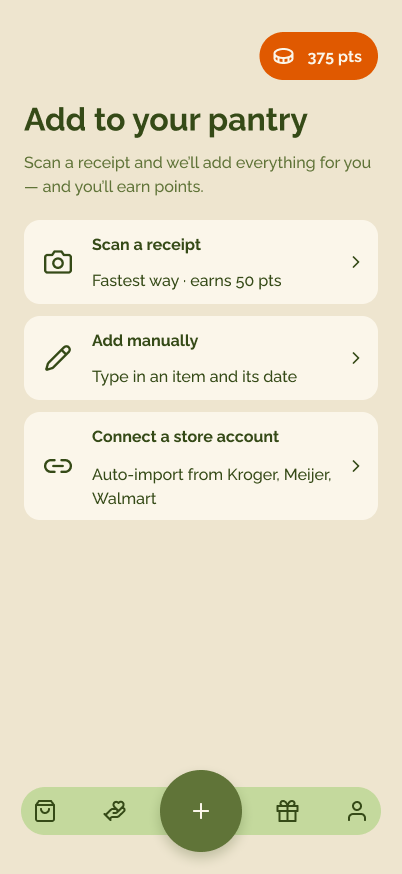
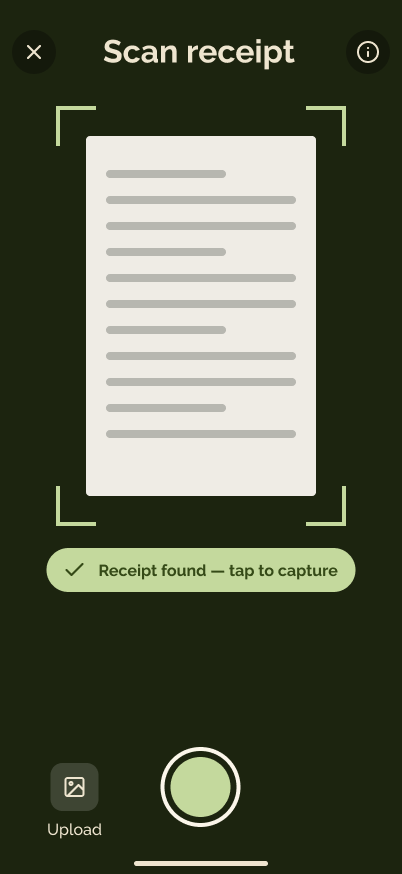
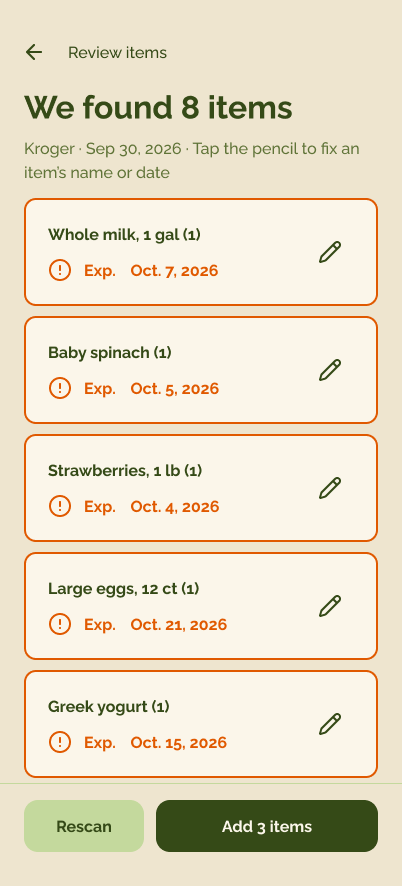
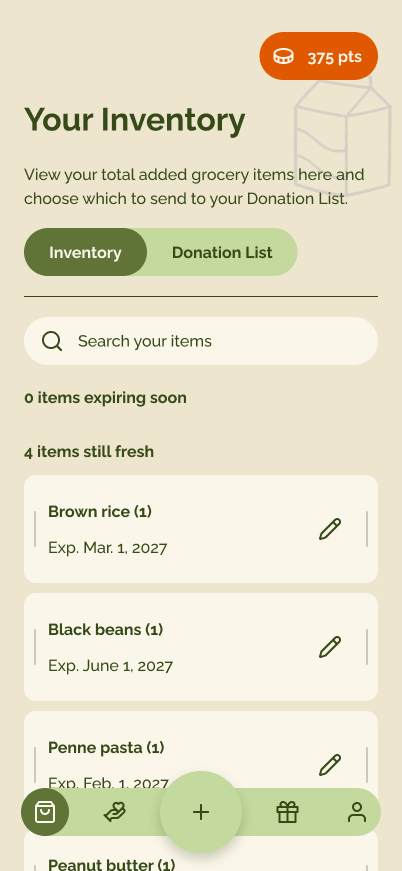
Find a local pantry and donate items
Designed with AI, built for people
Three principles that guided what we built and how we built it.
AI augments, people decide
AI reads the receipt and fills in each item and its expiry date, but the review step keeps the final say with the person, one tap to fix anything it got wrong.
Prototype with AI, early and often
We used AI to turn wireframes into working screens fast, so we could click through the real flow and test ideas instead of debating static mockups.
Extend the experience
Adding food is only the start. What goes into the pantry feeds expiry alerts, local donations and rewards, so one scan keeps paying off.
Figma to code, with Claude in the loop
Figma stayed our source of truth. Claude read our components, built a working HTML/CSS prototype from them and helped us audit it. Our team reviewed and approved every change.
- Team
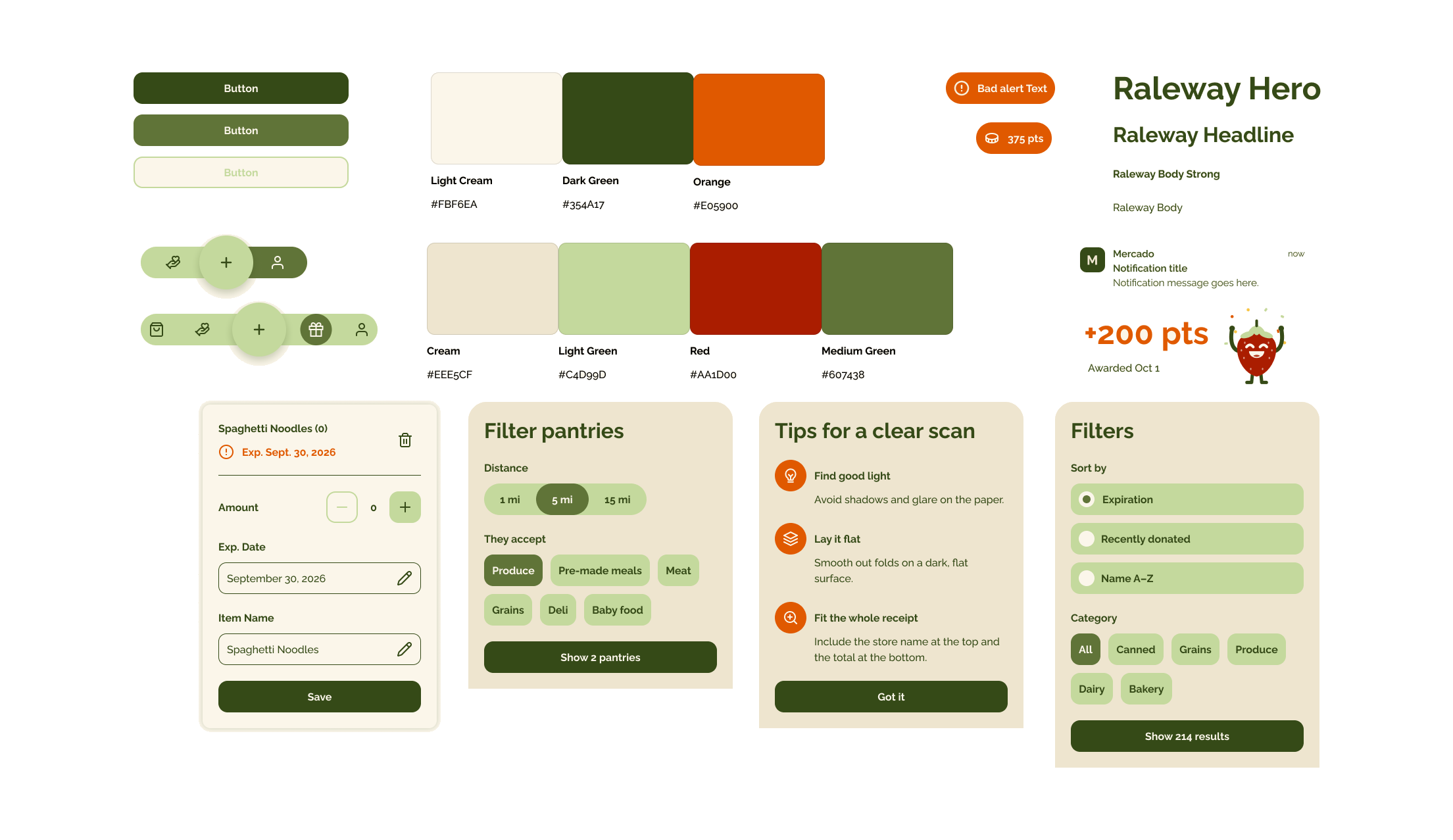
Build the component library
We designed buttons, item rows, pantry cards and tab bars with variants in Figma, so every screen pulled from the same parts.
- Team
Audit & inventory
We gathered every Mercado screen, grouped duplicates and counted the variants that needed to become one component.
- Arin + Claude
Generate the prototype
Claude read the components through the Figma MCP server and turned the key flows, add to pantry, donate and rewards, into a working HTML/CSS prototype.
- Team + Claude
AI-assisted audit
Clicking through the real flow, Claude flagged inconsistencies and we spotted UX problems a static mockup had hidden.
- Arin + Claude
Connect to PHP servers
Claude turned the static HTML/CSS prototype into a PHP-driven one, swapping hard-coded items, pantries and rewards for templates and real data from a server. The components stayed the same.
- Arin + Team
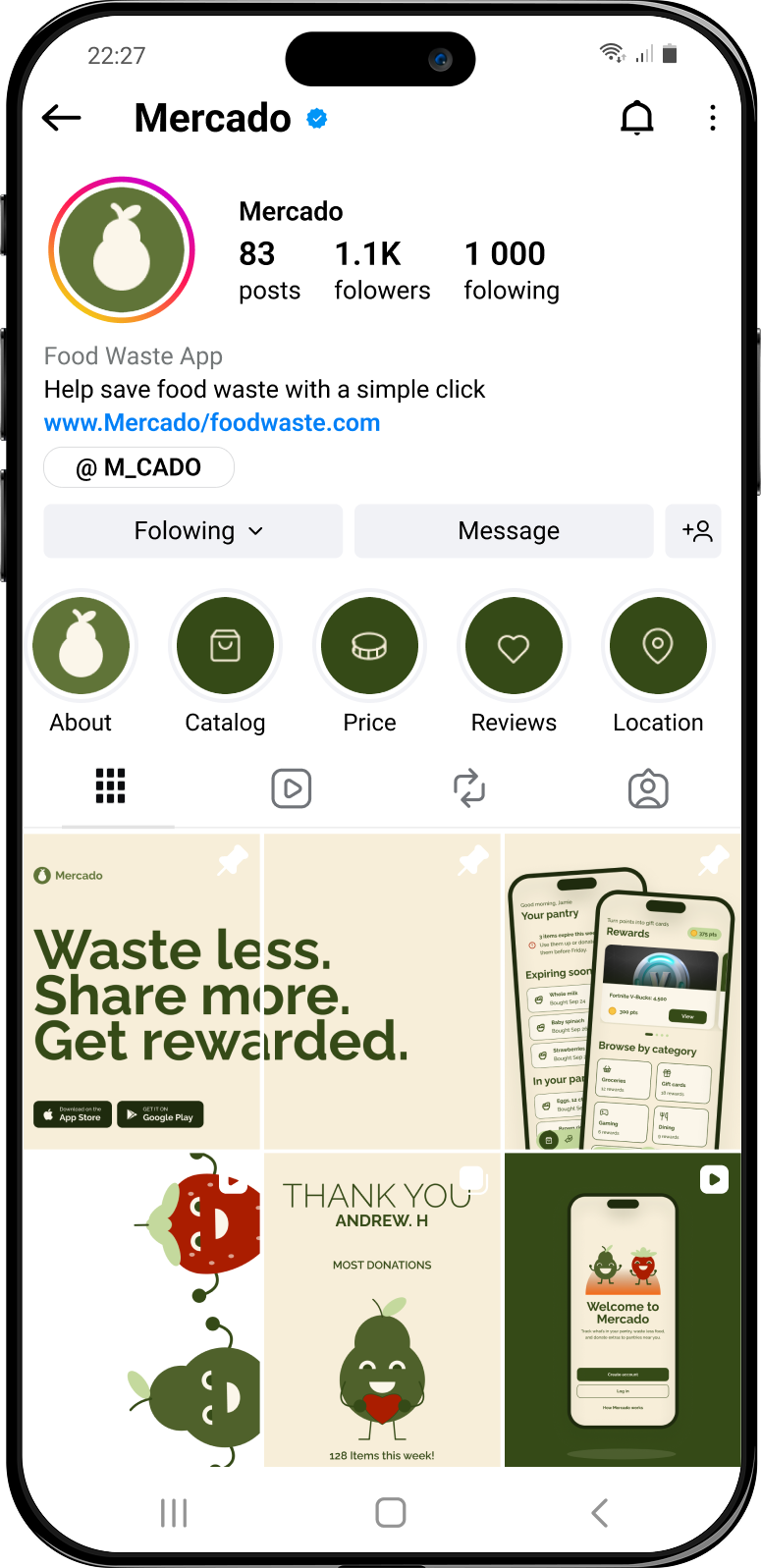
Extending the experience past the app
We designed how Mercado reaches into everyday life, connecting store accounts, local food pantries and real-world rewards so saving food doesn't stop at the screen.
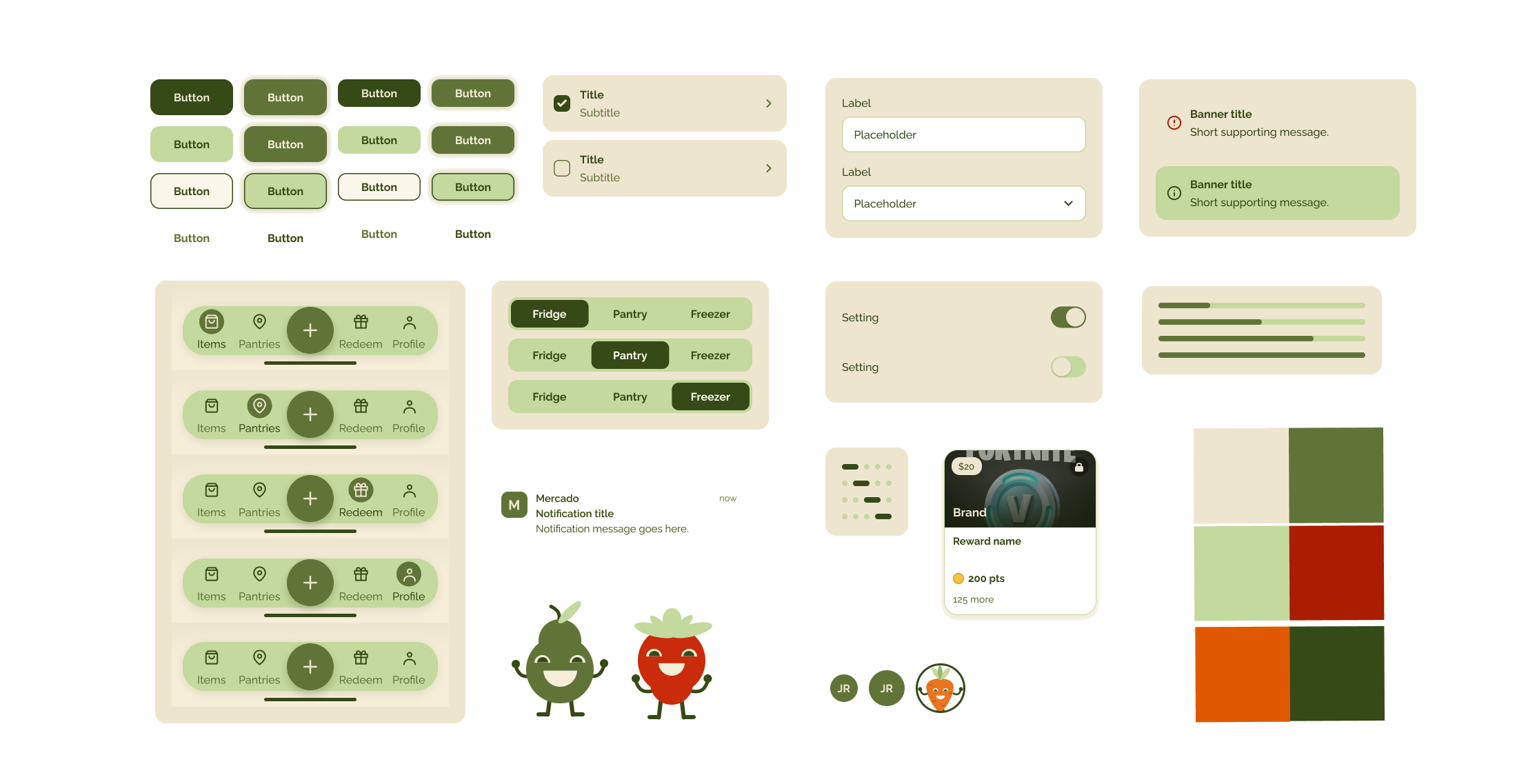
Components before AI-assisted audit
With Claude AI our team was able to plug in our components and generate a quick working prototype. Using that prototype we were quickly able to see our design flaws. This time saved on manually prototyping the screens, gave us more time to re-think the app's UX and UI.
Prototype issues discovered after using AI-assisted prototyping
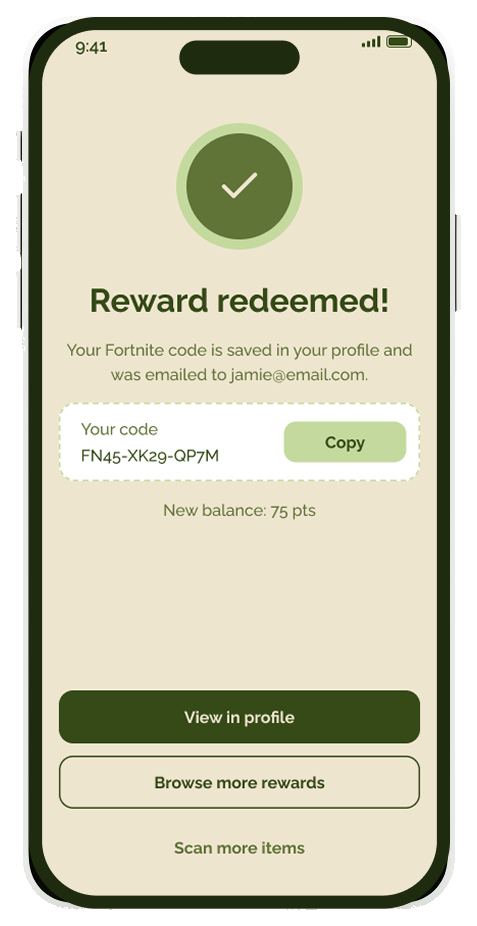
 Solution

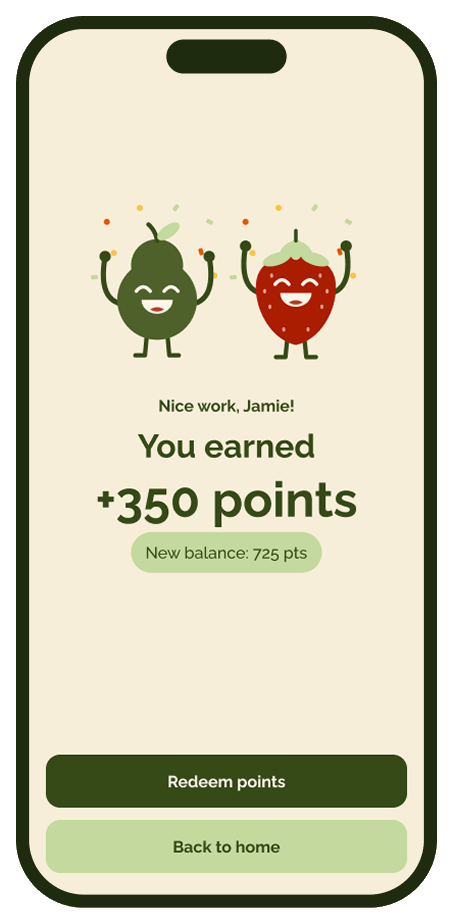
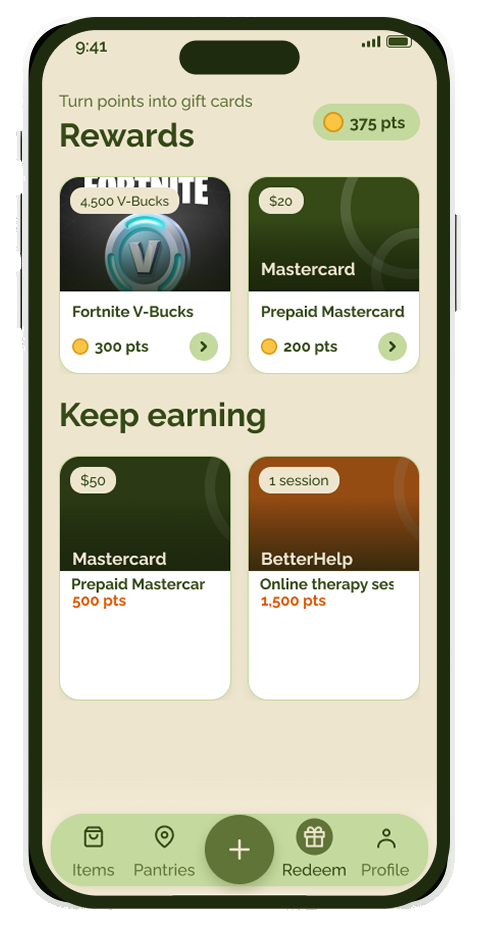
 Solution

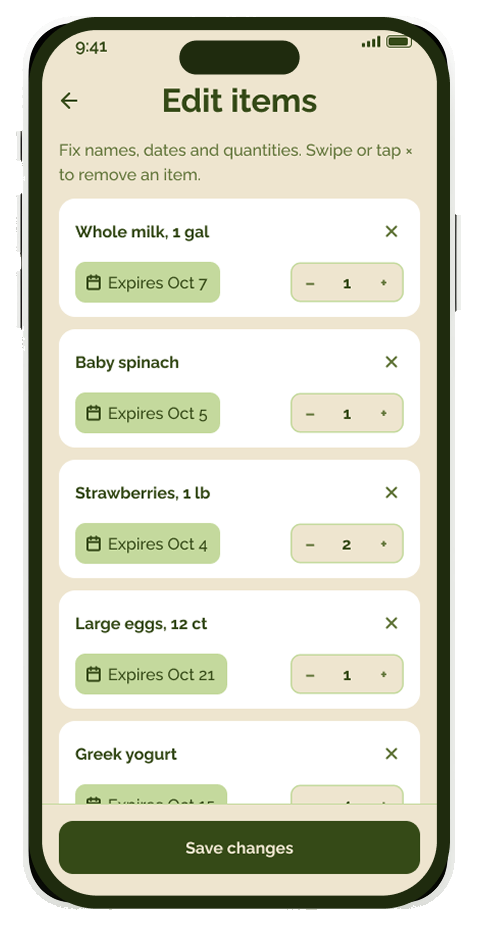
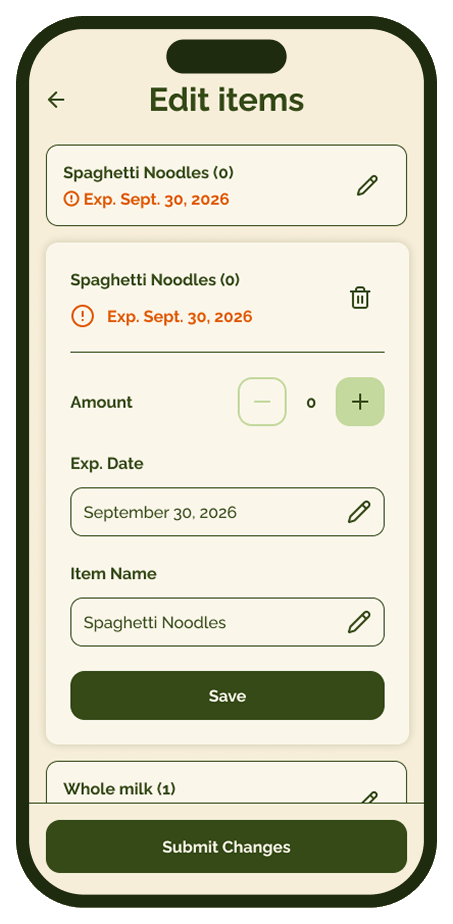
Crowded
SolutionSimplified editing
Component library after AI and manual auditing